For a long time we though about adding a MAC to our range of PCs to be able for example able to do work with Final Cut Pro and other MAC OS software.
So far we did only have a Mac Mini available which is good for the living room and such but has it drawbacks when you compare it with a more powerful Mac. However the number one reason for a new MacBook Pro was that my wife did need a new notebook in her main job as an Editor.
It as pretty clear that the largest Macbook Pro would be the selepcted model, we just have not been sure if we should buy the Glare (Glossy) or the Non-Glare (Matte) LCD display that is available as an option with these model. So we went ahead and bought both models given that you could return them to our local Munich Apple store within 14 days.
We did expect a huge different when it comes to the colors on both screens. Good news is that on both screens colors appear vibrant and highly luminous. We got the impression that the color space is practically identical. Friends we showed both MacBooks did lean towards different models, but generally could not see a huge difference.
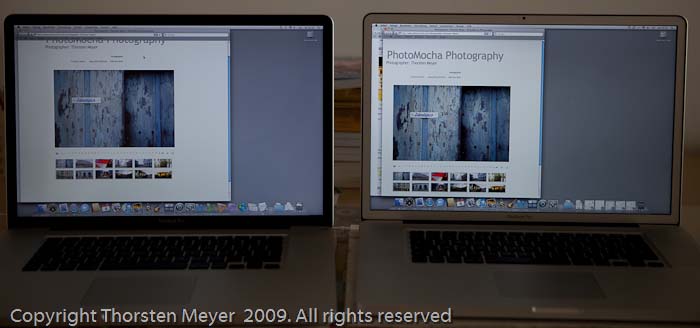
If the presentation of the colors is not a selection benchmark and you overlook that one screen frame is silver and the other is black we did make the decision based on how easy you can work with either of the screens under different light conditions.
When you work mainly indoors with optimal lighting conditions ( low surrounding illumination, no light behind the user) you can see some reflection on the glare screen, but you really have to look closely to find those. (see above picture)
Working outside is a different story. You get reflections on both screens, however, we recognized more reflections on the glare version.
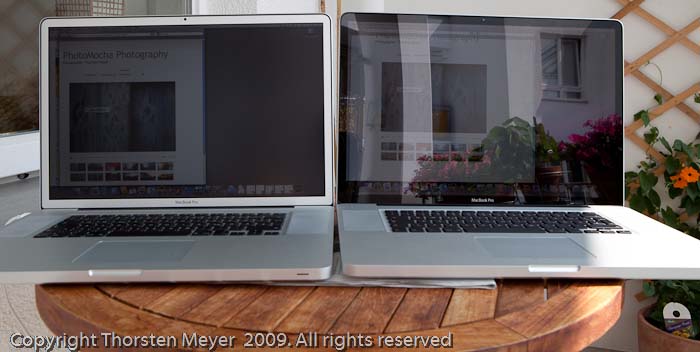
A quick comparison video shoot on a sunny Saturday afternoon. Two Apple MacBooks Pro, one Glare (Glossy) and one Non-Glare (Matte).
Apple MacBook Pro Glare (Glossy) Vs. Non-Glare (Matte) from StrongMocha on Vimeo.
When you take a closer look you see that outside the non-glare version still allows you to work for some time, however reflections are not ideal and can cause all kind things (or pain) including headache or tiring you. You don’t work many hours with such reflections.
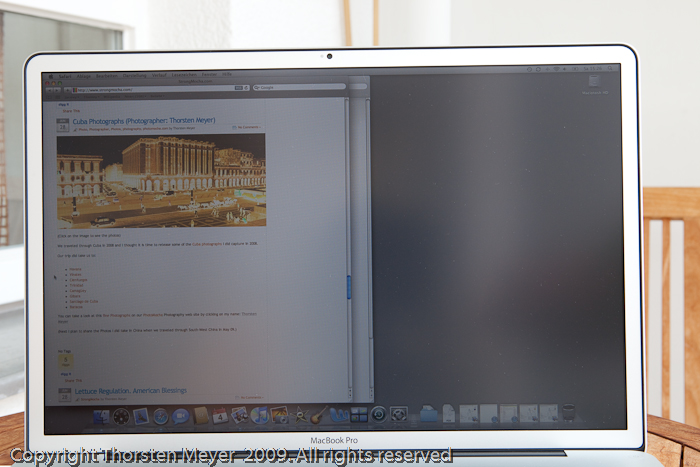
Whereas with the glare screen you may have to move around and get tiered faster then with the non-glare version.
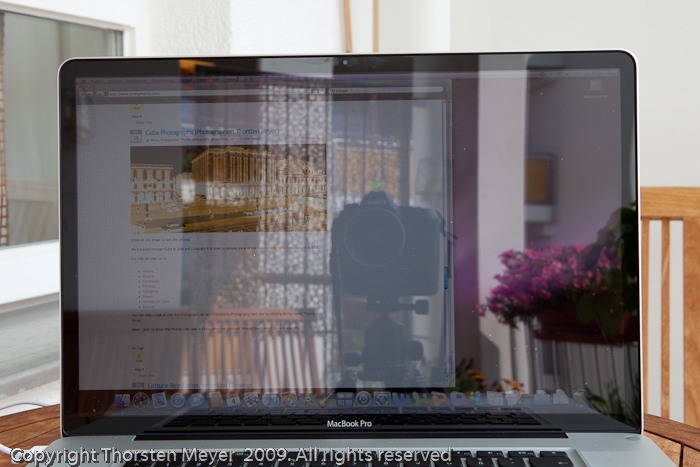
If you have friends or colleagues that want to look at your screen while you use it they may see this standing on the left. As you see you can hit the limits of a non-glare outside as well, but your friend would see more on the non-glare version.
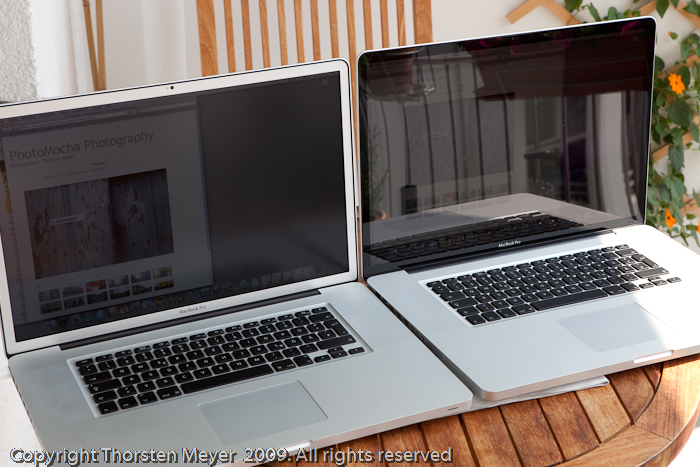
We decided to keep the non-glare version for a professional users who spend a whole, long day in front of the device you really want to work with as least reflection as possible.