
Get audio and creator gear delivered free with Prime
- Fast, free delivery on millions of items
- Prime Video, Amazon Music and more included
- Member-only deals all year
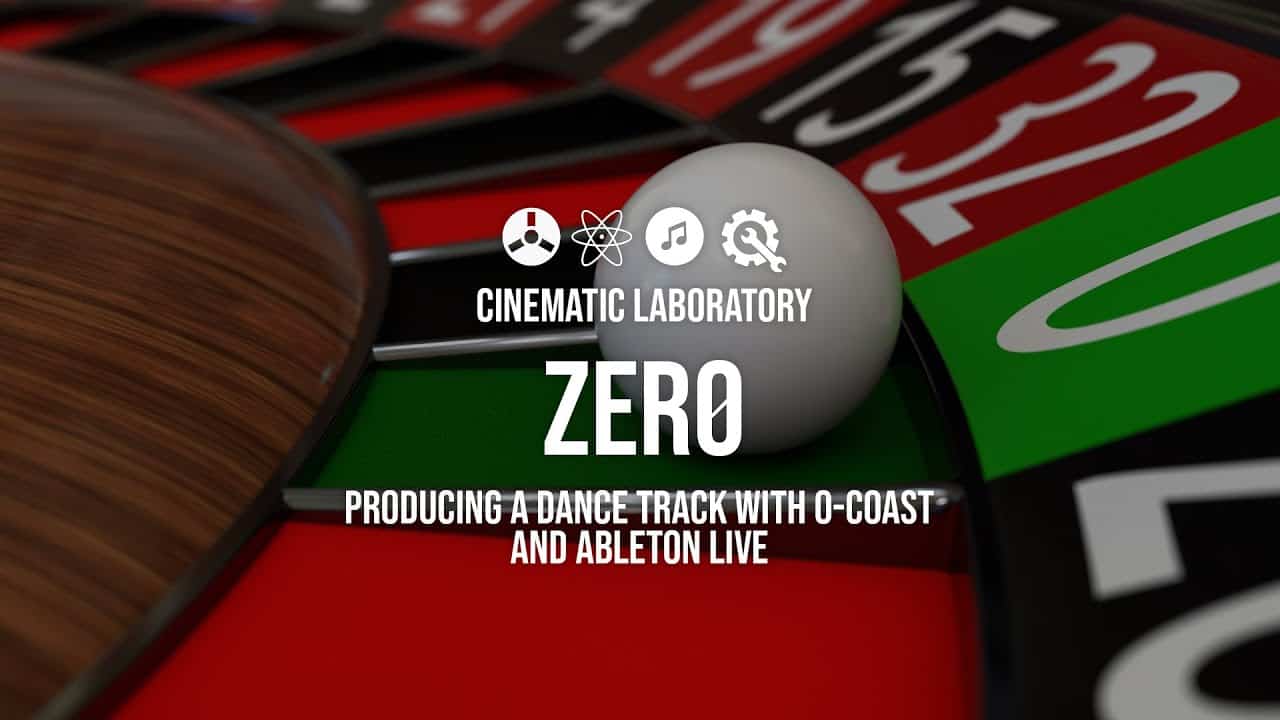
Producing a track with 0-Coast & Ableton Live
0-Coast is a powerful mono synth, but on its own, you won’t be able to make a ‘song’. However, if you have a DAW and you can dub some tracks it’s possible to synthesize kicks, snares, percussion, bass, leads, etc.
I’ve included some patch notes that may help you to invent your own sounds. The biggest challenge with 0-coast is that you have to create all sounds from scratch, but that’s also part of the fun. After the recording is done, you can cut and move instruments, add effects and create a pretty unique sound. I used Strega on a final lead to show you that you can use 0-Coast to send midi information to Strega with the midi B outputs. The final result is a two-minute track you can find at the end of the video.
Halloween Picks
halloween
As an affiliate, we earn on qualifying purchases.